
GA4 audit: find out how much revenue your analytics is missing
I audited a DTC store where GA4 captured only 59% of purchases. The other 41% were invisible - the checkout confirmation page was not tracked by native Shopify GA4 integration. We fixed it with server-side purchase events deduped by transaction_id. Now it captures 100%.
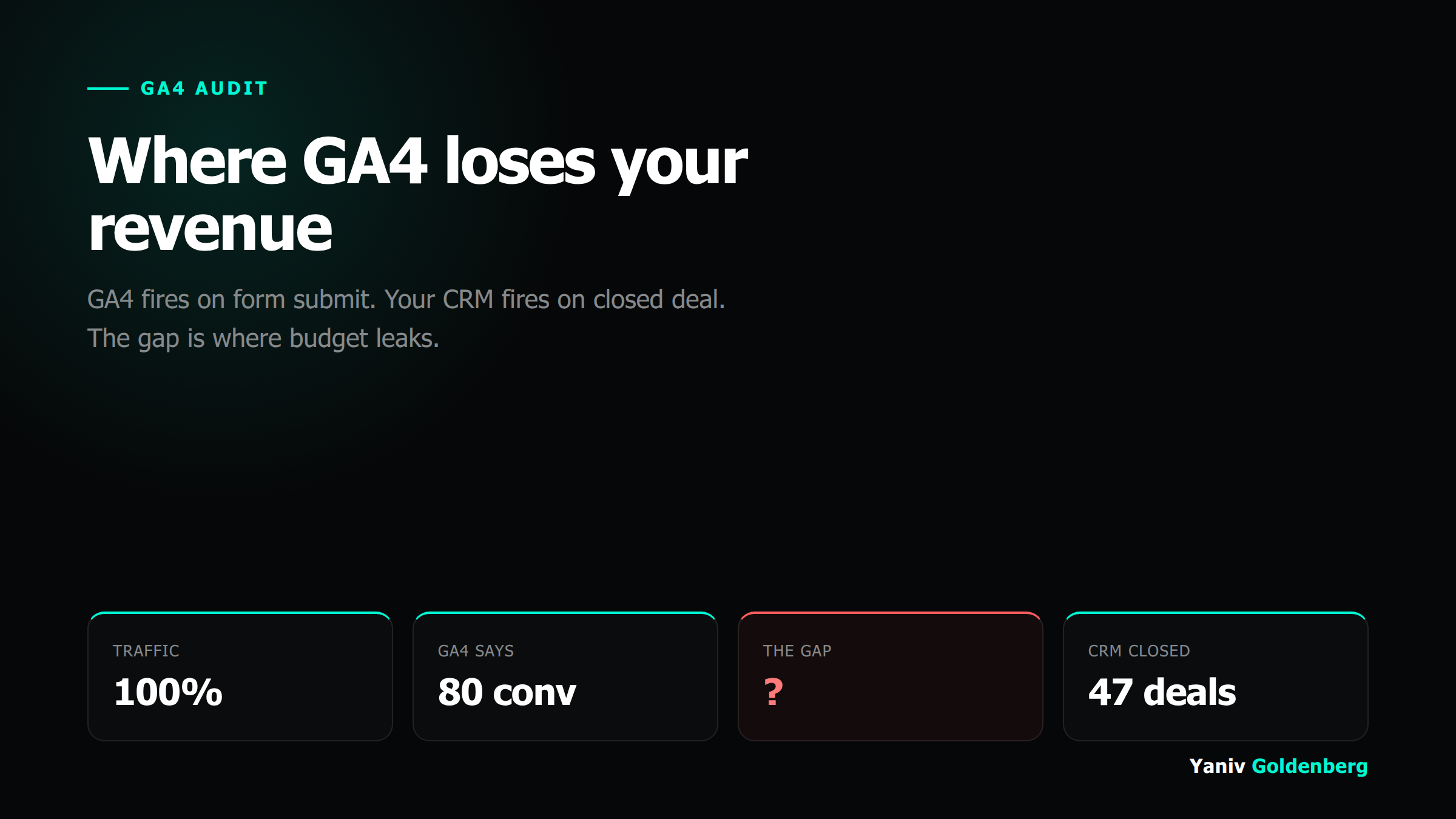
59% capture rate: what that actually means
"Most GA4 problems are not analytics problems. They are decisions made on numbers nobody validated against the money in the bank."
Yaniv Goldenberg, fractional growth operator
A DTC store came to me because their GA4 purchase numbers never matched Shopify revenue. GA4 showed 60 purchases a week. Shopify showed 100. The difference was not bots or returns - it was tracking gaps.
The root cause: their GA4 setup used Shopify's native Google channel integration. That integration fires a purchase event when the thank-you page loads. It works on desktop, standard browsers, no checkout extensions. It breaks on Shopify's hosted checkout when the user pays via Shop Pay, when they are on a mobile device with aggressive ITP, or when the thank-you URL loads in a context the gtag snippet cannot reach.
Result: 41% of real purchases never appeared in GA4. Every campaign decision - budget allocation, creative testing, audience targeting - was based on a sample of 59% of conversions. Not a representative sample either. The missed conversions were systematically skewed toward mobile and Shop Pay users.
The fix was server-side purchase events fired from the backend, deduplicated by transaction_id against any browser-side events that did fire. Three weeks from audit to 100% capture rate. No more gap between GA4 and Shopify.
GA4 audit deliverables
Purchase capture completeness
Are all purchases reaching GA4? I compare GA4 purchase event counts against your ecommerce platform, payment provider, or CRM for the same date range. Any gap gets a root cause.
Checkout funnel mapping
Every step from add-to-cart through payment confirmation. Which steps fire events? Which are silent? Where do users appear to drop when they are actually converting?
DataLayer review
Is your dataLayer structured correctly? Are event parameters passing the right values? Is the purchase event carrying item-level data or just a transaction total?
Conversion event configuration
Are the right events marked as conversions in GA4? Are you counting page_view as a conversion somewhere? Are conversion windows set correctly for your sales cycle?
Attribution model and window
GA4 defaults to data-driven attribution with a 30-day click window. Does that match your actual sales cycle? I flag mismatches that inflate or deflate channel performance.
Consent mode and ITP impact
How much data are you losing to browser-side blocking and cookie consent rejections? Consent mode v2 with server-side fallbacks is the right architecture for most setups now.
How I run a GA4 audit
I start with the numbers before I touch any code. GA4 purchase count vs platform revenue for the last 90 days. If the gap is under 5%, the problem is probably elsewhere. If it is over 10%, the checkout tracking is broken.
Then I go into the implementation: Google Tag Assistant, DebugView, network traffic on the checkout flow. I walk every step with a test transaction in a staging environment where possible, and a real low-value transaction where not.
I document every finding with: what is wrong, where the break is, what a correct implementation looks like, and effort to fix (hours, not story points). You get a prioritized list you can hand to a developer or have me implement.
The most common findings in order of frequency: checkout page purchase event missing, duplicate event firing (browser + server both firing without deduplication), missing item-level parameters on purchase events, incorrect conversion event marking, and attribution window mismatch.
A GA4 audit is not a one-time fix. I include a re-verification step 30 days after implementation to confirm capture rate has stabilized - because implementations break when someone pushes a site update.
After the audit
A GA4 audit is often the entry point to a broader marketing attribution engagement. Once GA4 is accurate, you have a foundation for cross-channel attribution - reconciling GA4 data with Meta CAPI, Google Ads enhanced conversions, and your CRM.
If the audit finds server-side tracking gaps (it usually does), the next step is a server-side tracking implementation. If you want a broader picture of all your measurement gaps at once, start with a tracking audit that covers all channels simultaneously.
Not sure GA4 is the problem yet? Run the free growth leak audit first: it reads your tracking layer from the outside and shows exactly where your funnel is leaking.
Frequently asked questions
What does a GA4 audit include?
How long does a GA4 audit take?
What do you deliver at the end?
Can you fix what you find, or only audit?
My GA4 shows 40,000 sessions but only 12 purchases. That seems low. Is something broken?
Find out what your GA4 is missing
Book a call. I will ask for read access to your GA4 property and your ecommerce platform, run a quick preliminary comparison, and tell you whether an audit will find material gaps.
What standard GA4 setup misses
Checkout funnel blind spots
GA4 default ecommerce events fire from the browser. Payment processor redirects and server-confirmed purchase events happen outside browser context. If the thank-you page fails to load, the conversion disappears entirely.
Cross-device attribution
User browses on mobile, converts on desktop. Without server-side user_id stitching, that conversion registers as direct. You lose the paid social attribution that earned it.
Consent mode modeling gaps
Consent Mode V2 models conversions for non-consenting users using your historical consented data. Implement it late or incorrectly and the model trains on bad signals. Conversion reporting stays broken even after the fix.
Sources: Google Analytics docs · Yaniv Goldenberg on LinkedIn