Every Growth Number. One Real-Time Dashboard. Real-Time Dashboard.
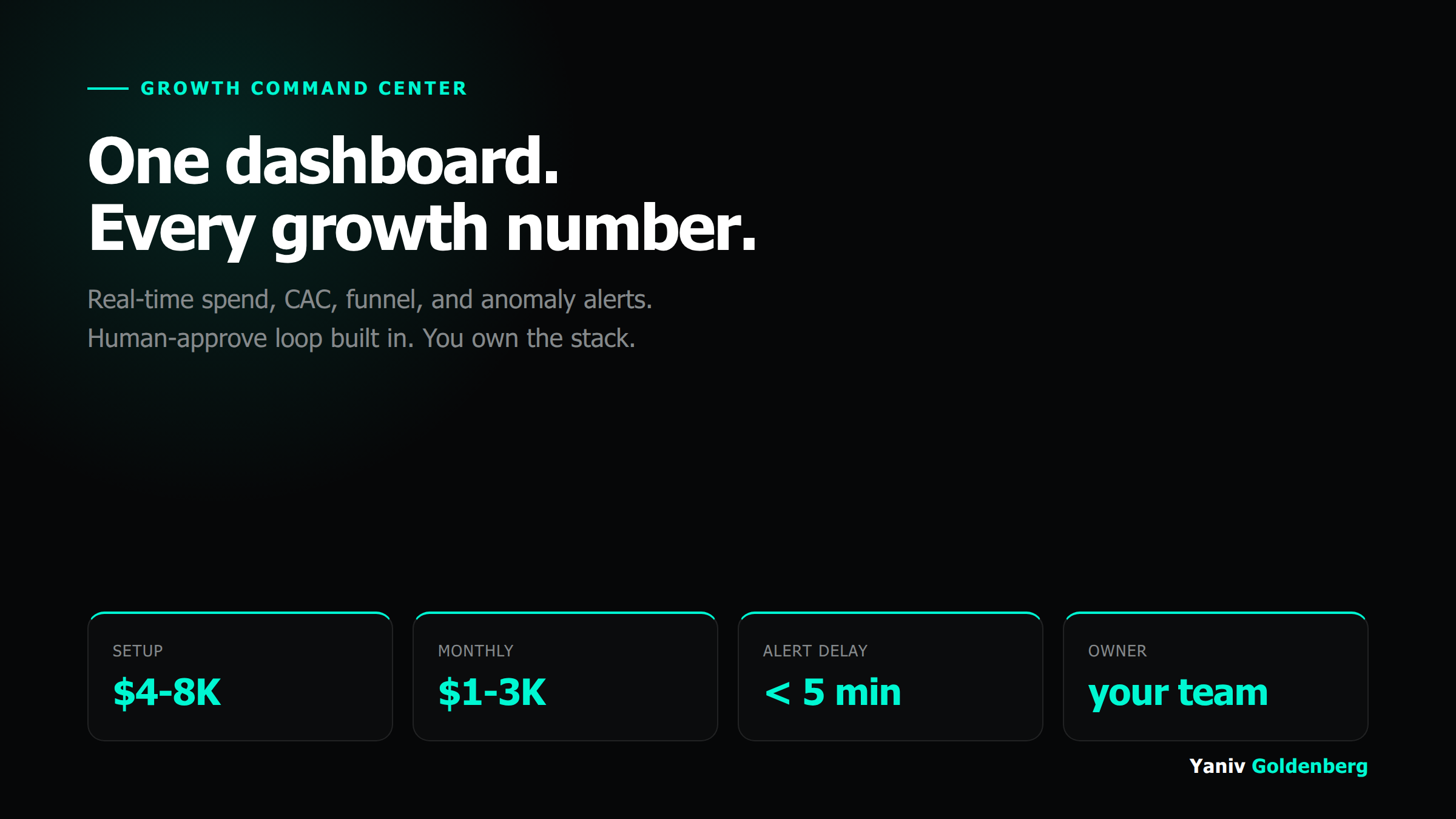
Spend, CAC, funnel conversion, and anomalies in one verified view. Telegram alerts fire when something breaks. A human approves every response before any action runs. Setup $4-8K. Monitoring $1-3K/month. You own the stack.
A Growth Command Center is one verified view of every number that drives your marketing decisions
A Growth Command Center is a single view of spend, CAC, funnel conversion, and anomalies, built on your actual data sources and reconciled against revenue, not platform-reported metrics. It fires Telegram alerts when something breaks before you see it in the weekly report. A human reviews and approves every alert response before any action runs.
AI Growth Systems is the operating layer between your ads account and your bank account. The Command Center is the instrument panel of that layer. Setup is $4-8K depending on stack complexity. Monitoring is $1-3K/month. You own the dashboards, the alert rules, and the documentation from day one.
What the Growth Command Center builds
Data source mapping and unification
Audit your live stack: ad platforms, CRM, product analytics, revenue data. Map each source to a verified data contract: what the field means, what it misses, and how it reconciles against your actual bank numbers. This is the foundation everything else depends on.
Real-time spend and CAC dashboard
A single view showing total spend by channel, cost per acquisition by channel and cohort, and the gap between platform-reported CAC and CRM-verified CAC. Updates every hour. No manually assembled spreadsheet required.
Funnel conversion tracking
Funnel from first touch to closed deal or first purchase. Each stage has a verified event source, a conversion rate, and a drop-off label. The dashboard shows where volume is lost, not just where it arrives.
Anomaly detection rules
Custom threshold rules defined with you: CAC spike above X, ROAS below Y, conversion rate fall above Z percent in any 24-hour window. Rules are documented, versioned, and editable by your team.
Telegram alert system with human-approve loop
When a rule fires, a Telegram message reaches your operations channel in under 5 minutes. The message includes the metric, the threshold crossed, the recommended response, and a confirm or dismiss option. No automated action runs without a human approving it first.
Owner training and documentation
A trained internal operator who can add alert rules, adjust thresholds, and onboard new data sources after the engagement closes. Runbooks for every operational workflow. Architecture diagram showing every data connection and transformation step.
Who the Growth Command Center is built for and who should look elsewhere
Right fit for Command Center:
Marketing teams spending $20K+ monthly and using spreadsheets for weekly reporting
CEOs who find out about CAC spikes in the Monday review instead of Friday
Companies where platform ROAS and actual revenue are two different numbers
Teams who want automated anomaly detection but need a human in the approve loop
B2B SaaS or e-commerce ops teams with 3+ ad platforms and no unified view
Not the right fit if:
You spend under $5K/month total; manual monitoring is faster than the setup cost
You do not have a CRM or revenue tracking system to reconcile against
You want the dashboard to make decisions autonomously without human approval
Your attribution is broken at the source; fix that with Attribution OS first
You need active campaign management, not just monitoring
Setup $4-8K once. Monitoring $1-3K per month.
Six weeks from stack audit to live dashboard and trained internal owner
Stack audit and data mapping
Map every data source in your stack. Verify what each field actually means and how it reconciles against revenue. Identify the two or three gaps that make your current reporting unreliable. Agree on dashboard KPIs with your team.
Dashboard build and alert rule setup
Build the unified dashboard in your chosen tool (Looker Studio, Metabase, or equivalent). Set up data connections, transformations, and refresh schedules. Define and implement the first alert rules. Test against historical data.
Telegram integration and human-approve loop
Connect alert rules to your Telegram operations channel. Run the first live anomaly simulations. Train the internal operator. Complete documentation and runbooks. Hand off ownership.
Real-time spend, CAC, and anomaly monitoring in a single dashboard
Track record that backs the measurement discipline in this system
Growth Command Center versus a weekly reporting spreadsheet
The gap between what your ad platform reports and what your bank account shows is not a rounding error. It is the number the Command Center was built to surface.
| What you measure | Weekly spreadsheet | Growth Command Center |
|---|---|---|
| CAC | Assembled manually every Monday | Real-time, CRM-reconciled, by channel |
| Anomaly detection | Someone notices by Friday | Telegram alert within 5 minutes |
| Platform vs reality gap | Not visible | Flagged every hour |
| Human approve loop | Not structured | Built into every alert workflow |
| Update frequency | Weekly or biweekly | Hourly data refresh |
| Owner after build | Whoever made the spreadsheet | Your team, fully documented |
| Setup cost | None | $4-8K one-time |
| Operating cost | Analyst hours weekly | $1-3K/month monitoring |
Growth Command Center FAQ
On real-time marketing measurement approaches: Google Analytics 4 measurement documentation and Meta Conversions API documentation.
What data sources does the Growth Command Center connect?
Setup maps your live stack first. Typical sources include GA4, Meta Ads, Google Ads, LinkedIn Ads, your CRM (HubSpot, Salesforce, Pipedrive), Shopify or Stripe for revenue, and PostHog or Mixpanel for product events. The dashboard unifies them into one view where a channel ROAS number has a CRM-reconciled revenue number next to it.
How do the Telegram alerts work?
Alert rules are defined during setup based on your business thresholds: CAC above X, ROAS below Y, conversion rate drop above Z percent in a 24-hour window. When a rule fires, a Telegram message lands in your operations channel with the metric, the threshold, and a link to the dashboard segment. You or your team reviews and approves the response before any automated action runs.
What is the human-approve loop?
Automated alerts surface anomalies. A human still decides the response. The system never moves budget, pauses campaigns, or changes bids without a person approving the action. The approve loop is built into the alert template: the message contains the observation, the recommended action, and a one-tap confirm or dismiss.
Do I need a data engineering team to maintain it?
No. The Command Center runs on n8n for automation, a Looker Studio or Metabase dashboard connected to your data sources, and native API integrations. One non-technical marketing ops person can maintain it. Setup includes full documentation and a trained internal owner before the engagement closes.
How is this different from a standard agency reporting dashboard?
Agency dashboards show platform metrics from platform-provided APIs. The Command Center reconciles platform spend against CRM revenue, flags the gap, and routes anomalies to a human. Most agency dashboards tell you what Meta reports. The Command Center tells you what your bank account says.
What does the $1-3K/month monitoring cover?
Ongoing monitoring covers: alert rule maintenance as your thresholds evolve, monthly dashboard refresh to add new channels or metrics, anomaly triage support, and a monthly 60-minute review of the dashboard output and what changed. It is oversight and iteration, not active campaign management.
Where the Growth Command Center fits in the AI Growth Systems catalog
Related: AI Growth Systems hub is the parent catalog for all systems products. Attribution OS fixes the measurement layer that feeds this dashboard. AI Foundation installs the full automation and measurement stack, including a Command Center, over 6 months. Full pricing index has every product and price in one place. Start with the free AI Visibility Audit to see where your current visibility gaps are. Note: GEO Engine and Content Compounder are sibling systems that feed data into the Command Center dashboard.
Book a 30-minute call to scope your Command Center
Bring your current reporting setup and the biggest gap you see between what your dashboards say and what you actually believe. I will map the data sources, confirm fit, and scope the build.